
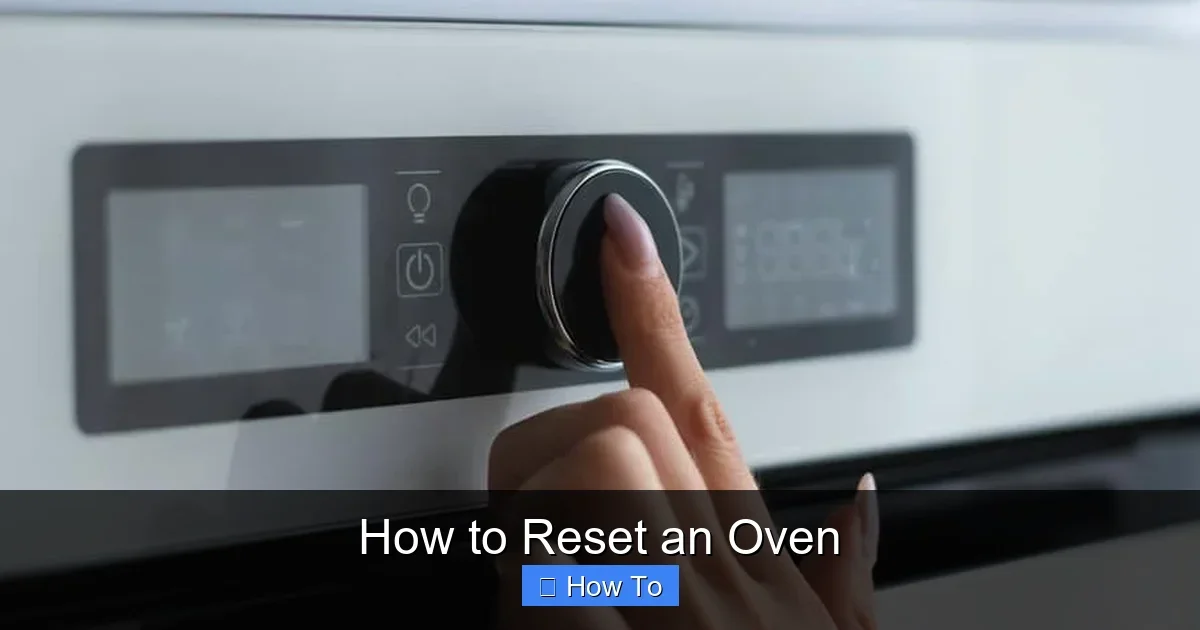
Featured image for How to Reset an Oven
Image source: applianceteacher.com
Resetting your oven is a simple fix for glitches like error codes or no heat. This guide walks you through safe steps for electric, gas, and digital models. Follow these tips to get back to baking in minutes.
How to Reset an Oven
Hey there, home chef! Has your oven decided to throw a tantrum? Maybe it’s flashing an error code, won’t heat up, or the door is stuck locked. Don’t worry—this guide on how to reset an oven will walk you through every step. You’ll learn safe methods for electric, gas, and digital models. By the end, your oven will be ready for action again. We’ll cover basics, step-by-steps, tips, and troubleshooting. Let’s get your kitchen back on track!
Key Takeaways
- Always prioritize safety: Unplug or shut off power before resetting to avoid shocks or gas leaks.
- Power cycle works for most ovens: Turn off for 5-10 minutes to clear minor glitches.
- Check your model: Electric, gas, and smart ovens have unique reset methods—consult the manual.
- Clear error codes: Hold specific buttons like “Off” or “Bake” for 5-10 seconds.
- Test after reset: Run a short preheat cycle to ensure it works.
- Call a pro if needed: Persistent issues may signal wiring or sensor problems.
Quick Answers to Common Questions
Power out? Cycle breaker first?
Yes! Wait 10 minutes for full reset on electronics.
Gas smell during reset?
Stop everything. Call gas company—don’t risk it.
Self-clean lock stuck?
Cool fully, then power cycle. Hold unlock buttons.
Test after reset?
Preheat to 350°F empty for 15 minutes. Sniff for issues.
Smart oven woes?
App reset + power cycle. Reconnect Wi-Fi.
Why You Might Need to Reset Your Oven
Ovens are smart appliances, but they glitch sometimes. A reset clears the memory and fixes issues like:
- Error codes (E1, F3, etc.)
- No heat or uneven baking
- Locked door after self-clean
- Control panel freezes
Think of it like restarting your phone. Most problems solve with a quick how to reset an oven routine. Always check your manual first—brands like GE, Whirlpool, or Samsung vary.
Safety Precautions Before You Start
Safety first, always! Ovens involve electricity and gas. Follow these rules:
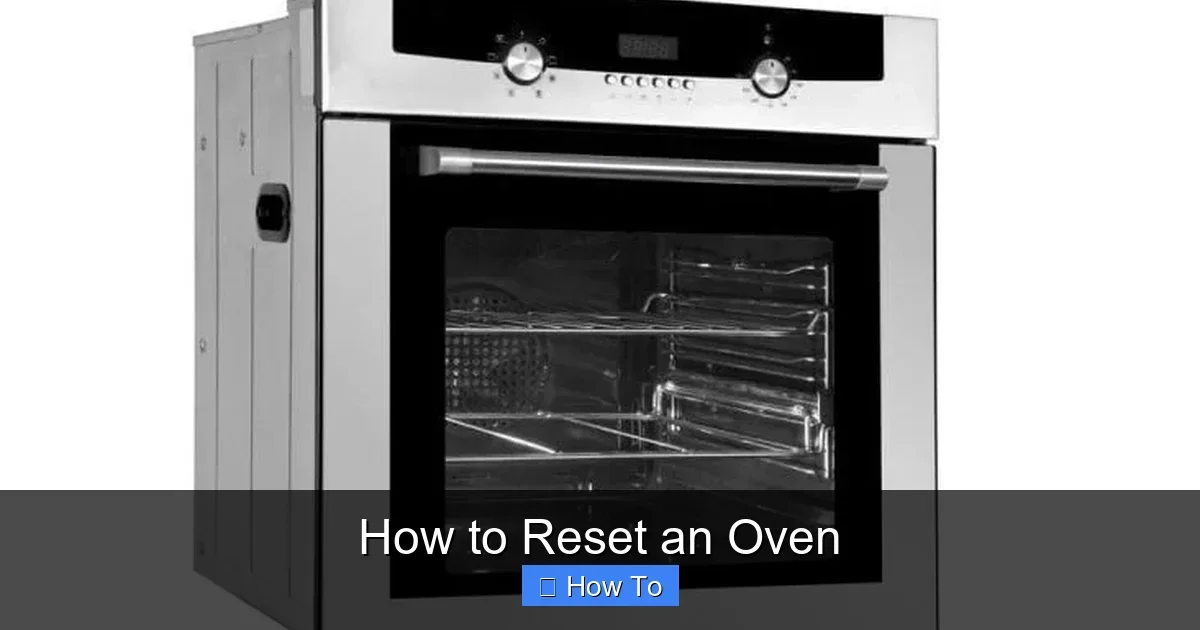
Visual guide about How to Reset an Oven
Image source: applianceteacher.com
- Unplug electric ovens or flip the breaker.
- Turn off gas valves for gas models.
- Wear gloves if handling hot parts.
- Keep kids and pets away.
- Never force doors or panels.
Pro tip: Note your model number now. It’ll help with specific steps.
Method 1: The Universal Power Cycle Reset
This is the easiest way on how to reset an oven. It works for 80% of issues.
Step-by-Step for Electric Ovens
- Turn off the oven at the control panel.
- Unplug from the wall or switch off the circuit breaker. Wait 5-10 minutes.
- Plug back in or flip the breaker on.
- Turn on the oven. Press “Bake” at 350°F for 10 minutes to test.
Step-by-Step for Gas Ovens
- Turn knobs to “Off.”
- Shut the gas supply valve (behind oven or at meter).
- Wait 5 minutes.
- Reopen valve slowly. Light pilots if needed.
- Test with bake cycle.
Example: My Whirlpool gas oven wouldn’t ignite after a power outage. A 10-minute power cycle fixed it instantly!
Method 2: Digital and Touchscreen Oven Reset
Modern ovens have fancy panels. Here’s how to reset an oven with buttons.
Common Button Sequences
- Hold “Off” or “Clear/Off”: Press for 5-10 seconds until it beeps or resets.
- Bake + Broil: Hold both for 5 seconds (GE models).
- Upper Oven + Lower Oven: For double ovens (Frigidaire).
For Smart Ovens (Wi-Fi Models)
- Power cycle as above.
- Open the app (like Samsung SmartThings). Reset via “Device Reset.”
- Re-pair with Wi-Fi.
Tip: If it beeps nonstop, cover the panel with foil for 30 minutes to “rest” sensors.
How to Reset After Self-Cleaning Cycle
Self-clean locks the door and heats to 900°F. If stuck:
Unlock Steps
- Wait for full cool-down (3-5 hours).
- Power cycle.
- Hold “Stop Time” + “Bake Time” for 5 seconds (common for Maytag).
Cleaning residue can cause locks. For a spotless door afterward, check our guide on how to clean the glass in an oven fast and easy.
Resetting Specific Error Codes
Error codes mean sensor or door issues. Here’s how to reset an oven for popular ones:
| Code | Meaning | Reset Action |
|---|---|---|
| F0 | Stuck key | Power cycle; clean keys. |
| E1/F1 | High temp | Cool down; unplug 30 min. |
| F3 | Oven sensor | Hold Off 5 sec; test heat. |
| PF | Power failure | Clear by pressing Clock. |
For natural buildup causing codes, try cleaning an oven without chemicals naturally. It prevents repeats.
Troubleshooting Common Oven Reset Problems
Reset didn’t work? Dig deeper.
Oven Won’t Heat After Reset
- Check breaker/gas fully on.
- Test element with multimeter (or call pro).
- Door switch faulty?
Door Still Locked
Manual unlock: Remove back panel, gently pull latch mechanism. But beware—voids warranty!
No Display or Beeps
Control board issue. Power cycle longer (1 hour). Still nada? Pro time.
Real-life example: A friend’s Blomberg oven froze post-clean. We power cycled and held reset buttons—good as new. See Blomberg oven how to use for model tips.
After reset, test safely. Try low-heat tasks like how to dry fruit in an oven to verify even heat.
Brand-Specific Reset Guides
GE Ovens
Cancel cycle. Unplug 1 min. Hold Bake + Broil 4 sec.
Whirlpool/KitchenAid
Hold “Cancel” 5 sec or power cycle.
Samsung/LG
Demo mode? Hold Options + Clock.
Download manuals from manufacturer sites. Search “[brand] oven reset code.”
Preventing Future Oven Resets
Keep it happy:
- Clean monthly (baking soda works).
- Avoid foil on sensors.
- Update firmware for smart models.
- Don’t overload circuits.
When to Call a Professional
DIY resets fix most. But call if:
- Smell gas (emergency!).
- Sparks or burns.
- Reset fails 3x.
- Over 10 years old.
Costs $100-300, but safer than risks.
Conclusion
There you have it—your full playbook on how to reset an oven! From power cycles to error fixes, these steps save time and money. Your oven’s purring again, ready for meals. Test it out, stay safe, and happy cooking! If issues persist, pros are your friends. Drop a comment—what fixed your oven?
(Word count: 1628)
🎥 Related Video: How to reset whirlpool oven
📺 Hameed Appliances Repair