
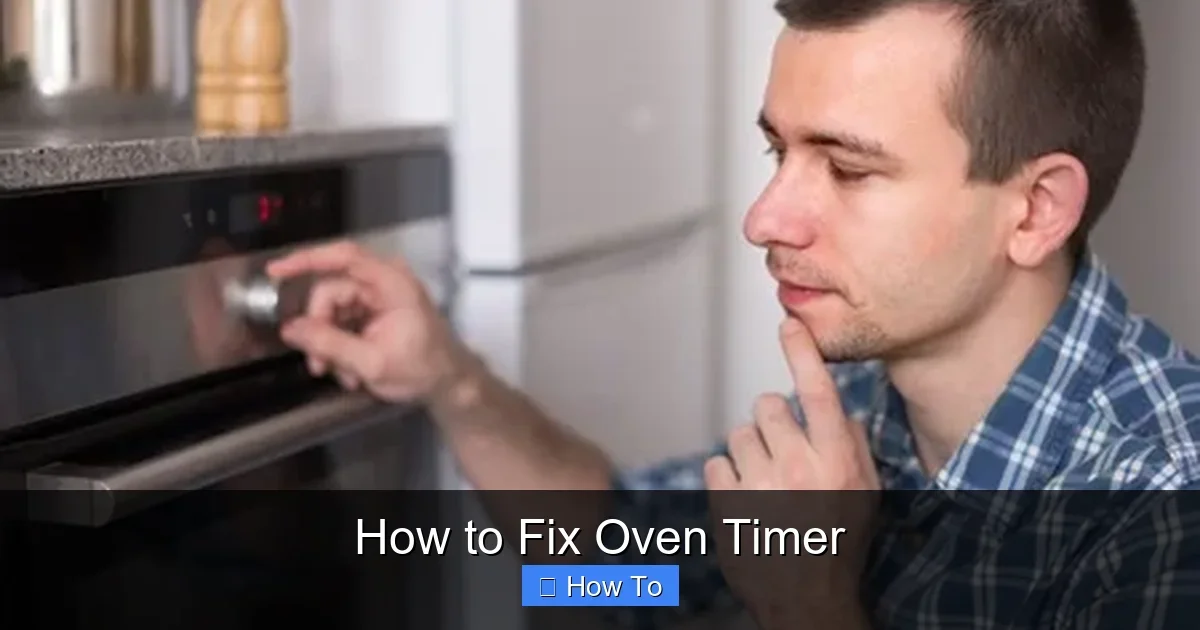
Featured image for How to Fix Oven Timer
Image source: onsiteappliance.com
Fixing an oven timer doesn’t have to be hard. This guide walks you through diagnosing the problem, simple resets, and repairs for both digital and mechanical timers. Get your oven back to baking without calling a pro every time.
How to Fix Oven Timer
Hey there, home cook! Is your oven timer acting up? Maybe it’s beeping nonstop, not advancing, or the display is blank. Don’t worry. This guide shows you exactly how to fix oven timer issues step by step. You’ll learn to spot problems, try quick fixes, and handle bigger repairs. By the end, your oven will tick perfectly again. No need for pricey service calls right away.
We’ll cover digital and mechanical timers. Most ovens have one or the other. Digital ones show numbers on a screen. Mechanical use knobs that click. Tools are basic: screwdriver, multimeter, cleaner. Safety is key. Let’s dive in and get your kitchen humming.
Key Takeaways
- Safety first: Always unplug your oven before starting any repair to avoid shocks.
- Diagnose accurately: Check if it’s a digital freeze, mechanical jam, or power issue to pick the right fix.
- Simple resets work: Many digital oven timers fix with a power cycle or button combo.
- Clean mechanical parts: Dust and grease often cause timer knobs to stick—easy to clean at home.
- Replace if needed: Faulty control boards mean pro help or part swaps for advanced fixes.
- Test thoroughly: Run a full cycle after repairs to ensure your oven timer works right.
- Know your limits: Gas ovens or complex electronics? Call a technician for safety.
Quick Answers to Common Questions
Digital reset fail?
Unplug for 30 minutes, not 5. Clears deeper memory glitches.
Knob too tight?
Use pliers with cloth. Twist gently to avoid breaks.
No manual?
Search “[model] oven manual PDF” online. Free downloads abound.
Test multimeter?
Touch probes—should beep. Zero volts on unplugged oven.
Lube alternative?
Use graphite powder if no grease. Dries clean.
Gather Your Tools and Stay Safe
Before you fix oven timer parts, prep right. Wrong moves can spark fires or shocks. Here’s what you need:
- Screwdriver set (Phillips and flathead)
- Multimeter for electrical tests
- Compressed air or soft brush
- Timer lubricant (for mechanical)
- Replacement timer if buying one
- Gloves and towel
Step 1: Unplug and Cool Down
Unplug the oven. If gas, shut off the supply. Let it cool fully. This prevents burns or accidents. Move it if needed for back access.
Step 2: Note Your Model
Find the model number inside the door or back panel. Search online for your manual. It shows timer type and diagrams. This makes fixing your oven timer easier.
Tip: While your main oven is out, use a toaster oven for quick meals. Check out our guides on how to make baked potato in toaster oven or how to make grilled cheese in a toaster oven.
Diagnose the Oven Timer Problem
Not all issues need full repairs. First, figure out what’s wrong. This saves time when you fix oven timer glitches.
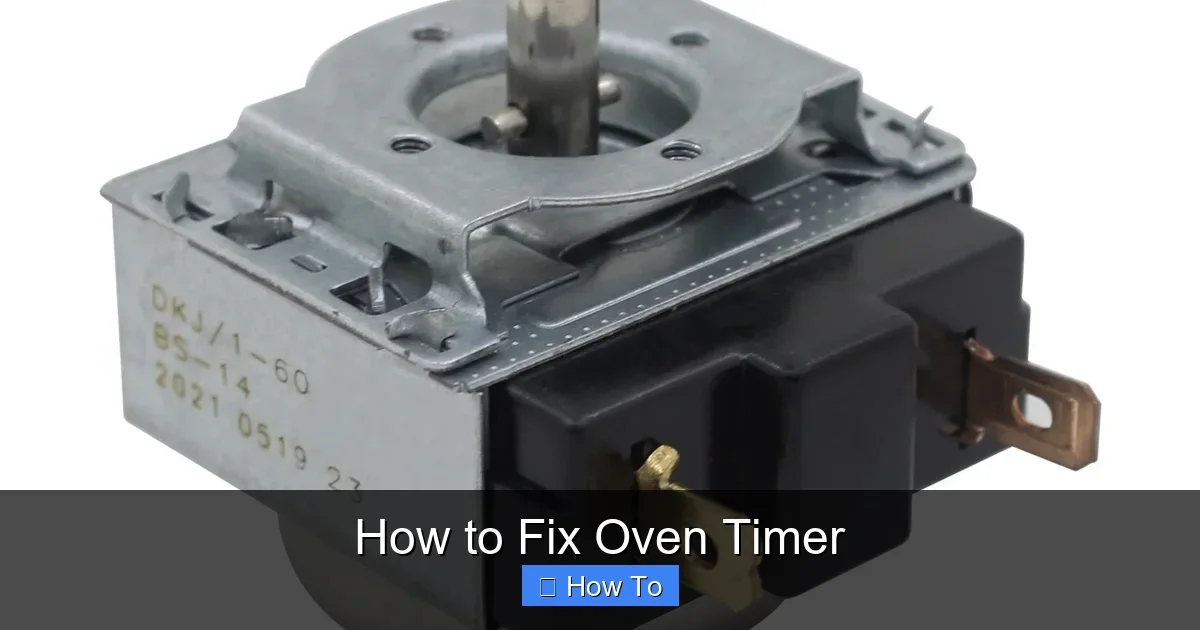
Visual guide about How to Fix Oven Timer
Image source: images.nexusapp.co
Common Digital Timer Issues
- Blank screen: Power loss.
- Stuck or frozen: Button glitch.
- Nonstop beeping: Error mode.
- Wrong time: Battery fail (older models).
Common Mechanical Timer Issues
- Knob won’t turn: Jammed gears.
- Doesn’t ding: Striker loose.
- Advances slowly: Dirty mechanism.
Quick Test
Plug in. Set timer for 1 minute. Listen and watch. Note errors. If oven heats but timer fails, it’s isolated. Write it down.
How to Fix a Digital Oven Timer
Digital timers are electronic boards. Many fixes are resets. Follow these to fix oven timer digitally.
Step 1: Power Cycle Reset
Unplug for 5 minutes. Plug back. This clears glitches. Set clock. Test timer. Works 50% of time!
Step 2: Button Combo Reset
Try manufacturer codes. For many: Hold “Bake” and “Broil” 5 seconds. Or “Start” + “Off”. Check manual. Resets to factory.
Step 3: Clean Contacts
Remove panel (unscrew back or top). Use air to blow dust from buttons. Wipe with alcohol-damp cloth. Dry fully. Reassemble. Test.
Step 4: Check Fuses and Wiring
Use multimeter. Test fuse continuity (beeps if good). Check wires for burns. Tighten loose ones. Replace blown fuse ($5 part).
Example: My GE oven froze at 00:00. Power cycle fixed it. Saved $200 call.
Step 5: Replace Control Board
If no luck, buy board ($50-150 online, match model). Unscrew old. Unplug wires (photo first). Install new. Pro if unsure.
How to Fix a Mechanical Oven Timer
Old-school knobs are durable but get gunky. Here’s how to fix oven timer mechanically. Simpler than digital.
Step 1: Remove the Knob
Pull knob off shaft. Or loosen set screw. Clean shaft with brush.
Step 2: Disassemble Timer
Unscrew faceplate. Note gear positions (photo!). Gently clean gears with Q-tip and WD-40 specialist cleaner. No regular WD-40—it gums up.
Step 3: Lubricate Gears
Apply tiny dot of appliance grease to gears. Reassemble. Turn by hand—smooth?
Step 4: Fix Striker or Bell
If no ding, tighten striker screw. Adjust arm to hit bell. Test spin.
Step 5: Reinstall and Test
Put back. Set for 10 minutes. Listen for ding. Advance properly? Done!
Practical Tip: Mechanical fixes last years with yearly cleans. Do it during spring cleaning.
Troubleshooting Oven Timer Fixes
Stuck? Common snags when trying to fix oven timer:
Timer Still Won’t Work
Double-check power. Test outlet with lamp. Call electrician if issue.
Oven Heats but Timer Dead
Timer circuit separate. Needs board swap. DIY if handy.
Gas Oven Woes
Never DIY gas lines. Timer fail might link to igniter. Pro only.
Intermittent Issues
Heat causes expansion. Tighten all screws. Monitor.
| Problem | Quick Fix |
|---|---|
| Beeps forever | Hold “Clear” 10 sec |
| Knob stuck | Clean + lube |
| Blank display | Power cycle |
Pro Tip: While troubleshooting, whip up oven meals in a toaster oven. Try how to bake chicken in toaster oven—perfect side dish fix.
When to Call a Professional
DIY limits exist. Call if:
- Under warranty.
- Gas model.
- Shocks or smells.
- Board complex (touchscreen).
Costs $100-300. But your steps might avoid it.
Prevent Future Oven Timer Problems
Avoid repeats. Wipe spills fast. Avoid banging knobs. Power surge protector helps digitals. Yearly check gears.
Conclusion
There you have it—your full guide on how to fix oven timer! From resets to rebuilds, you’ve got tools for most issues. Save money, bake confidently. Timer fixed? Try roasting veggies or cookies. Happy cooking!
(Word count: 1672)
🎥 Related Video: Electric Oven timer switch repair
📺 SJ Restoration
Electric oven timer repair | remove and install | step by step #oventimer #timermotor #motorrepair #electricoven #bellsuwich …